

In this day and age, we are surrounded by digital technologies, which are honestly making us less active in every aspect of life. So why don’t we turn the tables and use these digital technologies to be productive again and get the work done?
Let us introduce you to AI productivity tools and how they are revolutionizing endless hours into efficient sprints.
In this blog, we’ll explore the best AI-powered tools designed to boost efficiency and transform the way you work. Whether you are a student, a professional, or even an entrepreneur, these tools help you achieve more in less time.
So ready to learn how to boost your productivity with AI tools?
Let’s dive in and explore some of the best AI productivity tools to enhance your workflow.
What are AI Productivity Tools
AI productivity tools are cutting-edge software applications powered by artificial intelligence technology to automate tasks, improve workflow, and ultimately boost overall efficiency.
AI productivity tools work as intelligent assistants that can organize our emails and use algorithms to give analytics of each user’s work. These tools also assist in arranging schedules, managing projects, optimizing workflows, and even providing personalized recommendations based on user behavior. For content creators, a paragraph extender turns brief ideas into detailed, engaging text, making it easier to produce quality content at scale.
Among these AI-powered tools, SEO AI agents have emerged as valuable assets for digital marketers, helping to streamline keyword research, content optimization, and overall search engine performance analysis.
As search behavior evolves with AI-driven platforms, generative engine optimization services are becoming increasingly relevant for ensuring content remains discoverable and aligned with how modern search engines interpret and surface information.
17 Best AI Productivity Tools
AI productivity tools revolutionize how we handle tasks, offering innovative and smart ways to boost efficiency. Here are 17 AI tools to transform your workday!
1. ChatGPT
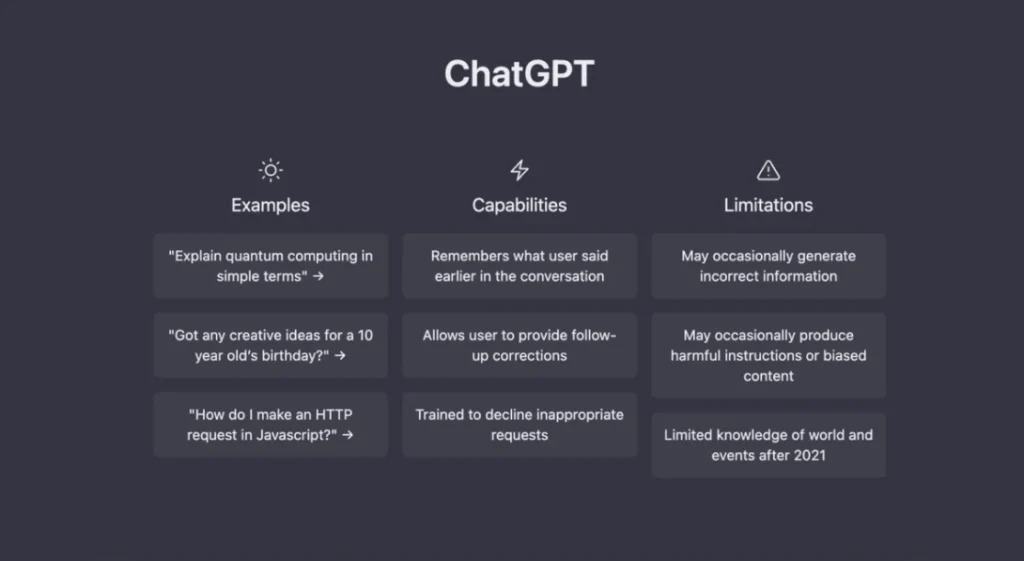
Chatgpt is a powerful AI tool for boosting productivity in various tasks. It is a versatile tool that excels at automating repetitive tasks, brainstorming new ideas, and generating drafts for refinement.
Features
Text Generation: Create various kinds of content, such as emails, reports, poems, code, and scripts.
Text Summarization: Condense lengthy documents into small and concise summaries.
Question Answering: Give answers to a wide range of questions in a detailed, informative way.
Creative Brainstorming: Generate ideas for media campaigns, product names, social media content, etc.
Translation: Translate text between languages.
Pros
Increased Efficiency
Enhanced Creativity
Accessibility
Cons
Less Accuracy
Limited Reasoning
Content Originality Issue
Pricing
A free tier with limitations on usage and response length.
ChatGPT Plus has $20/month pricing.
Best Use Cases
Content Creation
Research and Learning
Data Analysis
Task Automation
Brainstorming and Creative Writing
2. Motion
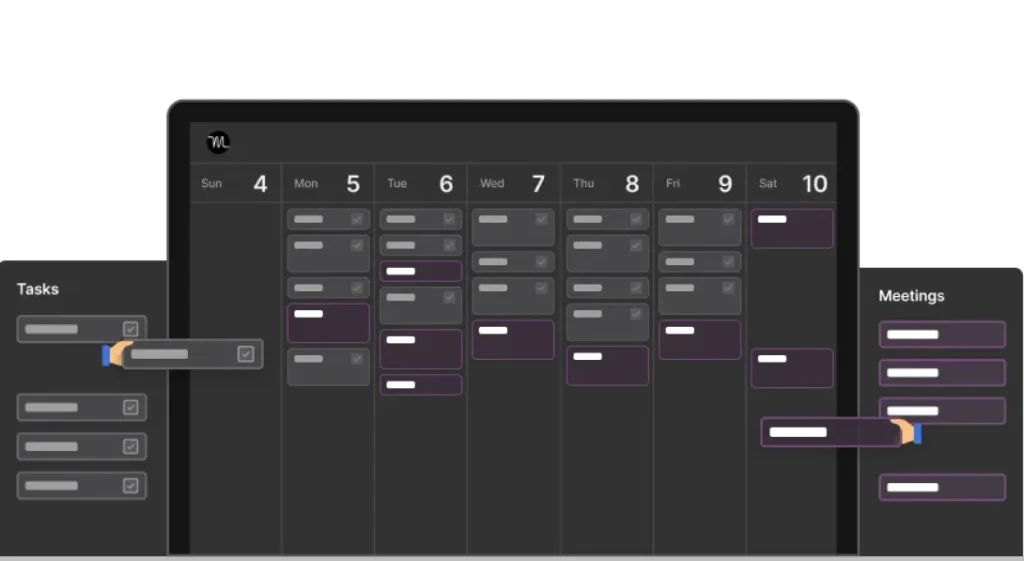
It is one of the best AI tools for productivity; Motion streamlines users’ schedules and conquers their to-do lists. The tool dramatically helps manage time and get tasks done more effectively.
Features
AI-powered Scheduling: Analyzes user’s calendars and recommends optimal scheduling for meetings and tasks.
Smart To-Do List: Prioritize tasks based on urgency and importance; also adapt users’ schedule changes.
Project Management: Set deadlines, make projects, and track progress with automated task suggestions.
Meeting Assistant: Transcribe meetings, suggest follow-up actions, and identify key points.
Integrations: Connects with other calendar apps and productivity tools.
Pros
Reduced Time Management Burden
Improved Focus
Increased Efficiency
Collaboration Features
Cons
Learning Curve
Limited Customization
Accuracy Dependence
Subscription Model
Pricing
Free version available with limited features and functionality
The paid plan starts at around $8/month and offers increased scheduling options, management tools, and integrations.
Best Use Cases
Busy Professionals
Project Managers
Freelances and Remote Workers
3. Descript
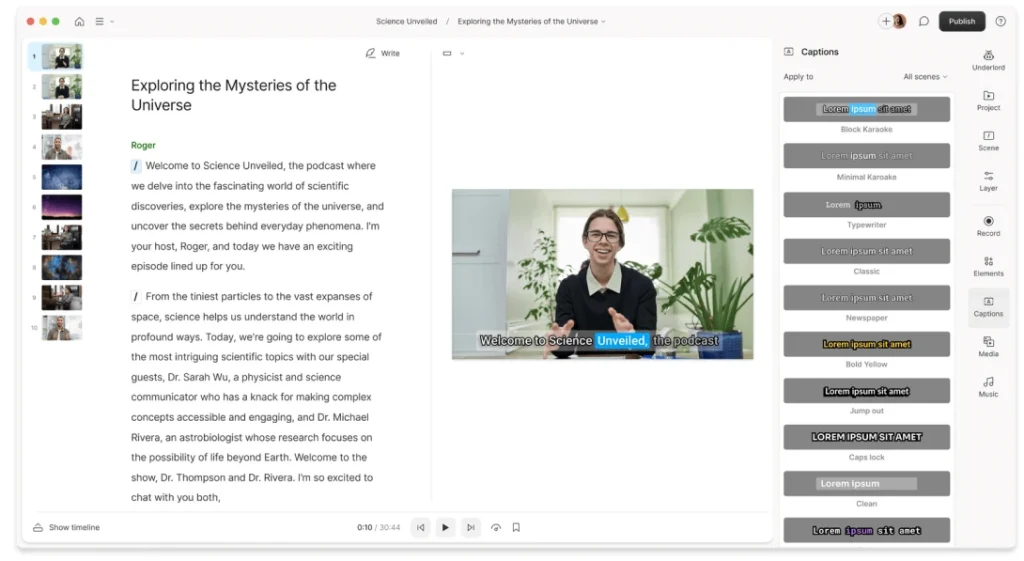
Descript takes the crown as the top AI productivity tool for video and audio editing. Its intuitive interface, powerful AI tool, and text-based editing make it perfect for beginners and experienced creators.
Features
Text-Based Editing: Edit video and audio by transcribing text, making cuts and adjustments a breeze.
AI-Powered Tools: Remove background noises, silence pauses, and even replace words with the magic of AI.
Multitrack Editing: Layer audio and video tracks for professional productions.
Screen Recording: Capture the screen and webcam tutorials, presentations, and quick explainers.
Collaboration Features: Share projects, work together, and leave comments on edits in real time.
Pros
Dramatically Faster Editing
Effortless Audio Cleanup
Beginner-Friendly Interface
Versatility
Cons
Limited Advanced Features
Expensive Subscription Model
Learning Curve for Advanced AI Features
Pricing
A free tier with limited storage and editing features.
The creator plan starts at $12/month, offering watermark-free exports.
Pro Plan starts at $24/month with full access to advanced AI tools.
Best Use Case
Podcaster
Video Marketers and Content Creators
Youtubers and Social Media Creators
4. Notion
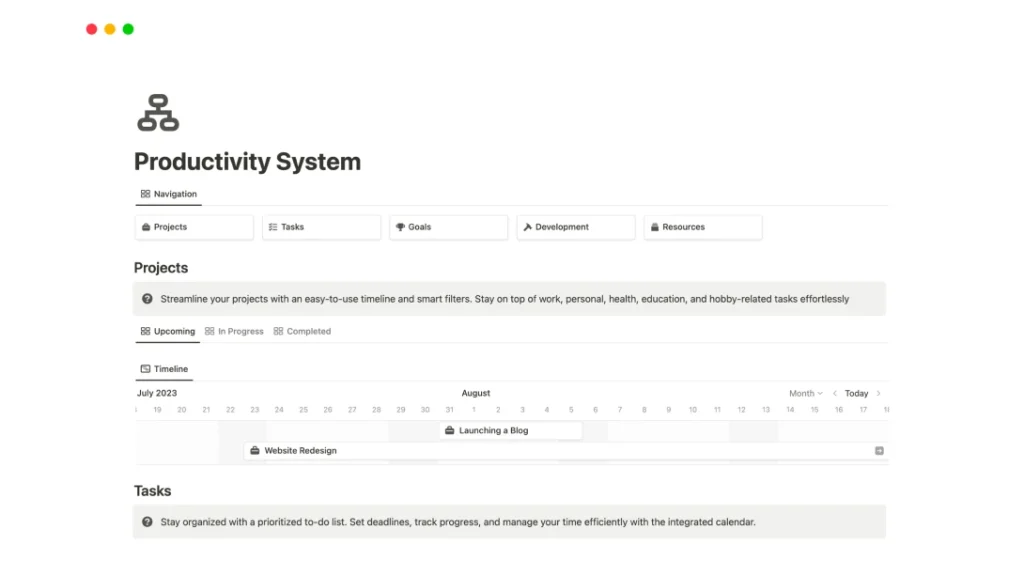
Notion stands out as a powerful workspace AI tools for productivity. It is a versatile workspace that caters to various productivity needs.
Features
Flexible Workspace: Create customizable databases, notes, to-do lists, and wikis.
AI-powered Writing Assistant: Brainstorm ideas, check for grammar, and better writing styles.
Collaboration Tools: Share workspace, assign tasks, and collaborate seamlessly with the team.
Integrations: Connect with other popular productivity tools and external services.
Mobile Apps: Access your workspace and edit content on the go.
Pros
Highly Customizable
Centralized Hub
Collaboration Powerhouse
Free Tier with Good Functionality
Cons
Learning Curve Issue
Limited Free Tire AI Features
Can be time-consuming to Set Up
Desktop App Only for Some Features
Pricing
Free version available with limited storage, collaborators, and features.
The Pro Plan starts at $5/month and offers increased storage.
Team Plans start at $8/month per user, with additional collaboration and features.
Best Use Cases
Project Management
Content Creation
Team Collaboration
Personal Knowledge Management
5. Timely
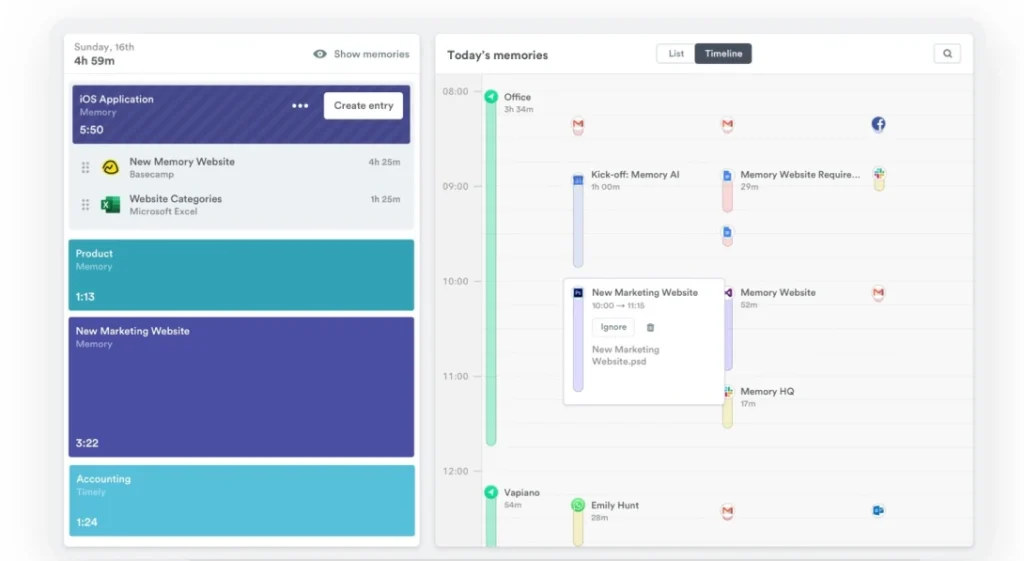
Timely focuses on AI-powered time tracking, aiming to streamline tedious tasks. It is a valuable tool for anyone who wants to automate time tracking and gain insights into work hours.
Features
Automate Time Tracking: The AI tool automatically tracks time spent on different websites and apps.
Manual Adjustments: Fine-tune automatically captured time entries for added precision.
Project Management: Build projects, categorize tasks, and track time spent on each work.
Reporting and Analytics: Generate reports to visualize the time usage and identify areas for improvement.
Integrations: Connects with popular project invoicing tools and project management.
Pros
Reduced Manual Work
Improved Project Visibility
Enhanced Billing Accuracy
Freelancer-Friendly
Cons
Accuracy Concerns
Limited Customization
Privacy Considerations
High Pricing Subscription Model
Pricing
Free version with limited features
Paid plan starts around $8/month
Best Use Case
Agencies and Teams
Freelancers and Independent Contractors
Get More Insights: 8 Best AI Platforms to Future-Proof Your Business
6. Otter.ai
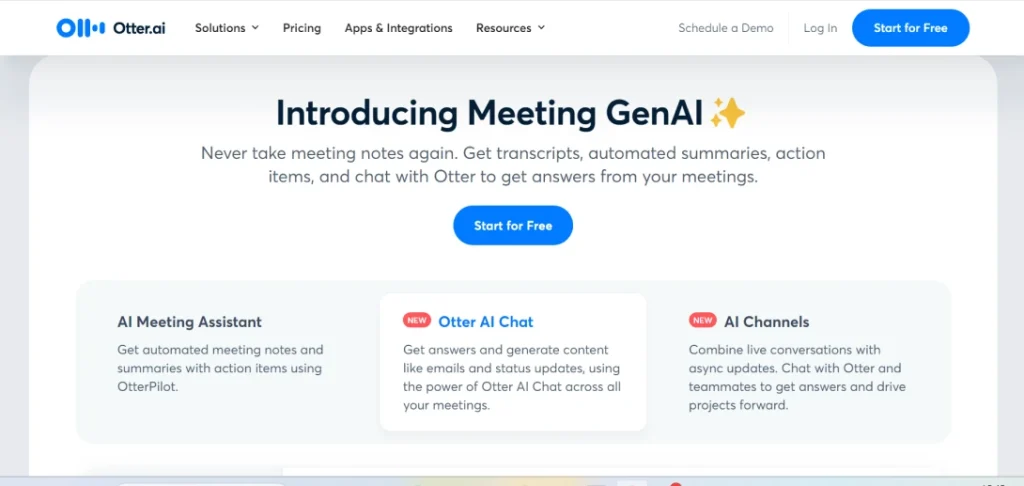
Otter.ai is one of the most powerful and best AI productivity tools for businesses. It automates note-taking and improves information recall. It excels at capturing spoken content and converting it into searchable text.
Features
Real-time Transcription: Otter.ai captures audio and transcribes it into text as the user speaks, which is perfect for lectures, meetings, etc.
Automatic Meeting Notes: This tool integrates with video conferencing tools like Zoom, Google Meet, Teams, and more to translate meeting notes.
Live Summary: Provides a real-time summary of key points during a meeting.
Search & Edit: Search transcripts by keywords, date, or speaker. Edit speaker labels, text, and timestamps for accuracy.
Import & Export: Import pre-recorded video/audio files for transcription and export transcripts in various formats.
Pros
Freemium Model
Highly Accurate
Boosts Productivity
Accessibility features
Cons
Accuracy Limitations
Limited free Plan Minutes
Not Perfect for 100% Accuracy
Pricing
Basic Free Version: 300 minutes/month transcriptions, three videos & audio uploads in a lifetime.
Pro Version: $16.99/month - 1200 minutes, 10 uploads/month, advanced playback, and advanced search.
Business Version: $40/month, team features, collaboration tools, and Otter assistant.
Enterprise Version: Custom Pricing with advanced security and organization-wide deployment.
Best Use Case
Meeting & Interviews
Lectures & Presentation
Journaling & Brainstorming
7. Jasper ai
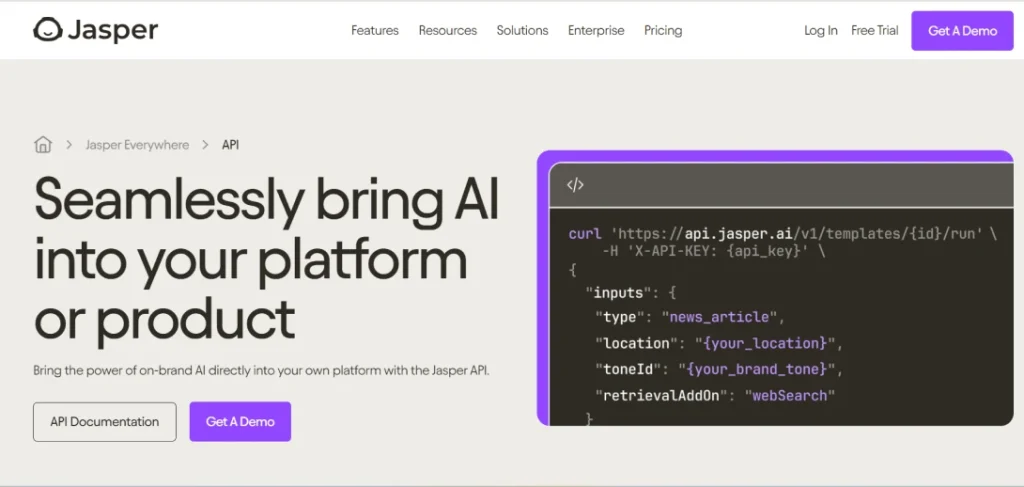
Jasper. AI is a valuable tool for content creators, especially for overcoming writer’s block and generating shorter content pieces. It is a well-rounded AI tool for ideation and creation.
Features
AI writing Assistant: This tool generates various content formats, such as social media captions, product descriptions, ad copy, blog posts, and emails.
Content Templates: Pre-built templates with prompts for typical types of content.
SEO Optimization: Suggest keywords and optimize content for search engines.
Content Improvement Tools: Shortens content, paraphrases sentences, and improves the clarity of writing.
Brand Voice Training: Customize Jasper to match the user’s brand tone and style.
Pros
Overcomes Writers Block
Increased Content Output
Improved Content Quality
Content Repurposing
Cons
Limited Originality
Fact-Checking Required
Limited Human Touch
Pricing
Starter: $29/month - 20,000 words/month
Boss Mode: $59/month/ - long-form content creation, SEO tools.
Best Use Case:
Content Brainstorming
Shorter Content Creation
Content Repurposing
Improve Writing
8. Grammarly
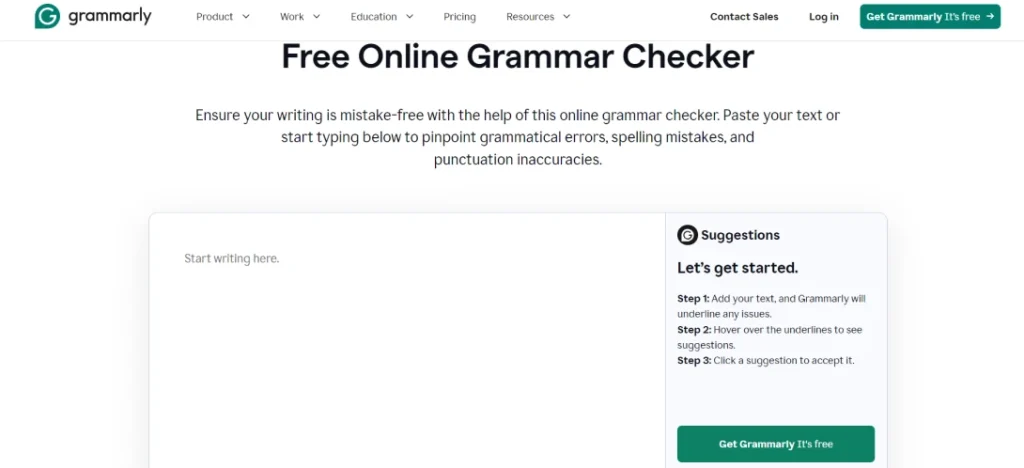
Grammarly is a unique and powerful AI tool that improves writing quality and productivity. It is perfect for writers of all levels who want to ensure their work is clear, concise, and error-free for readers.
Features
Advanced Grammar Checking: Identifies and corrects a wide range of grammatical errors, typos, and punctuation mistakes.
Vocabulary Enhancement: Suggest synonyms and alternative phrasing to better clarity and conciseness.
Style and Tone Suggestions: Analyzes writing styles and suggests improvements based on formality, audience, and purpose.
Real-Time Feedback: Integration on various platforms and proven on-the-go editing for every browser page.
Customizable Settings: For tailored suggestions, set goals for formality, tone, and domain, such as business or academic.
Pros
Improved Writing Quality
Increased Productivity
Versatility
User-Friendly Interface
Free Plan Available
Cons
Limited Free Plan
Over-reliance may Hinder Learning
Not a Substitute for Human Editing
Pricing
Free: Basic grammar and spelling checks and conciseness suggestions.
Premium: $12/month - plagiarism checker, advanced grammar suggestions, clarity-focused rewriting.
Business: $15/ month - Team features, style guides, brand tone detection.
Best Use Case
Proofreading and Editing
Formal Communication
Writing Improvement
9. Reclaim
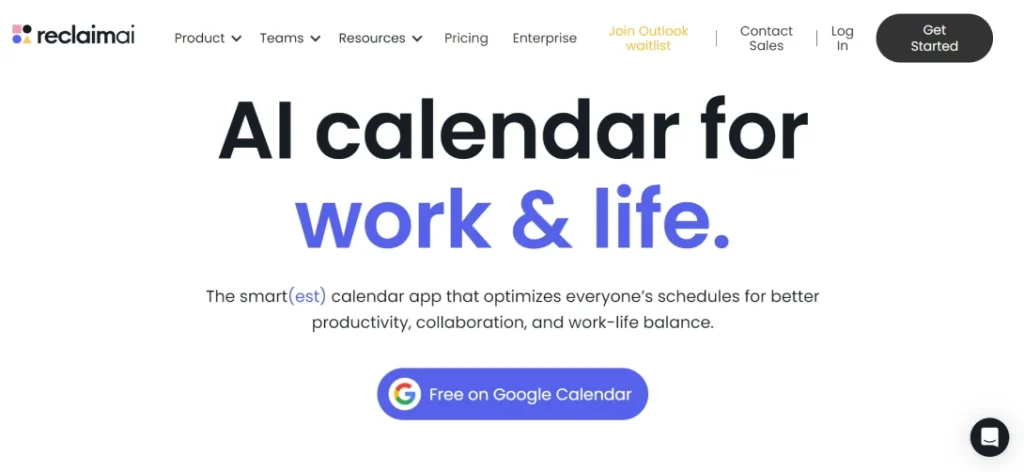
Reclaim AI is one of the top AI productivity tools for taking control of your schedule and boosting productivity. It helps optimize individual and team scheduling, promote work-life balance, and encourage focused work.
Features
Smart Scheduling: Analyze user calendar, tasks, and preferences to suggest optimal times for breaks, meetings, and tasks.
Focus Time Defense: Blocks dedicated time for focused work and prevents distractions like scheduling conflicts.
Tasks Management: Integrates with to-do list apps to manage all tasks alongside calendar events.
Meeting Optimization: Creates shorter meetings with proper agendas, finds common ground, and poll
Calendar Sync: Sync participant’s availability, works with Outlook, Google Calendar, and other popular calendars.
Reporting & Analytics: Provides insights into your time management and identifies areas for improvement.
Pros
Reduced Time Spend Scheduling
Improved Focus
Increased Productivity
Team collaboration
Cons
Learning Curve
Limited Project Management
Accuracy Relies on Data
Pricing
Free Version: Basic scheduling suggestions, limited integrations, and focus time blocking.
Starter: $9/month- team scheduling, premium integrations, basic reporting.
Business: $24/month - advanced reporting, priority customer support, analytics.
Enterprise Plan: Custom pricing - advanced security, organization-wide deployment.
Best Use Case
Busy Professionals
Team Scheduling
Project Management
10. Midjourney
Midjourney is a top AI productivity tools for generating creative visual images based on text descriptions. The app enhances productivity in creative workflows and helps with project management.
Features
Text-to-Image Generation: Creates images from detailed text descriptions given by users.
Artistic Styles: Supports various artistic styles, from abstract to realistic images.
Image Editing: Allows refining generated images through additional prompts.
Outpainting: Extends the existing images beyond the original image boundaries.
Community Features: Integrates with Discord for sharing, creating, and getting feedback.
Pros
Visual Brainstorming
Rapid Prototyping
Marketing & Design Inspiration
Accessible Interface
Cons
Not Focused on Productivity
Learning Curve
Accuracy and Control
Pricing
Primary: Limited access, minutes, compute time/week.
Standard: $10/month - 3 hours of computing time/month, basic community access.
Pro: $30/month - 15 hours compute time/month, full community features.
Mega: Custom pricing - high compute hours, priority access, and enterprise features.
Best Use Case
Creative Professionals
Marketers & Advertisers
Personal Use
Writers & Storytellers
A Must Read AI app development: A simple guide to build AI application
11. Relay
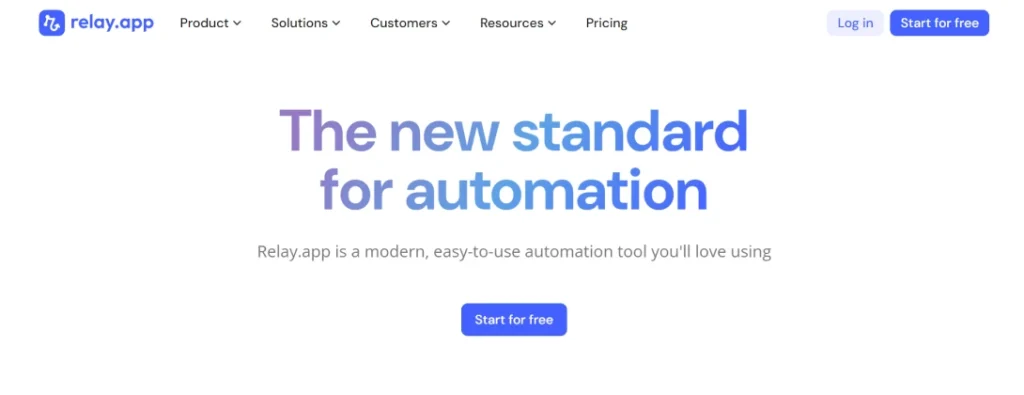
Relay is an AI productivity tool for workflow automation and productivity. It focuses on improving collaboration, streamlining work, and empowering teams to work smarter while minimizing errors.
Features
Once Click AI Assitance: Automates repetitive tasks with various platforms based on users’ build workflows.
Human-in-the-loop collaboration: Combines AI automation with human input for tasks requiring judgment or creativity.
Multiplayer Experience: Enables teams to collaborate on assigned tasks and track progress and workflows in real-time.
Integrations: Connect with popular AI productivity tools for seamless workflow automation.
Template Library: Provides per-built workflows for common tasks like responding to users, reviews, etc.
Pros
Increased Efficiency
Improved Collaboration
Reduced Errors
Customizable Workflows
Learning Curve
Cons
Limited Free Plan
Complexity for Intricate Tasks
Security Considerations
Reliance on Integrations
Pricing
Free: Basic workflow creation, individual use, and limited integrations.
Professional: $9/month - team collaboration, basic analytics, and advanced integrations.
Team: $59/month - advanced analytics, priority support, custom onboarding.
Enterprise: Custom pricing - advanced security and organization-wide deployment.
Best Use Case
Repetitive Task Automation
Project Management ( Paid Version)
Team Workflow Management
Reporting & Data Entry
12. Tidio
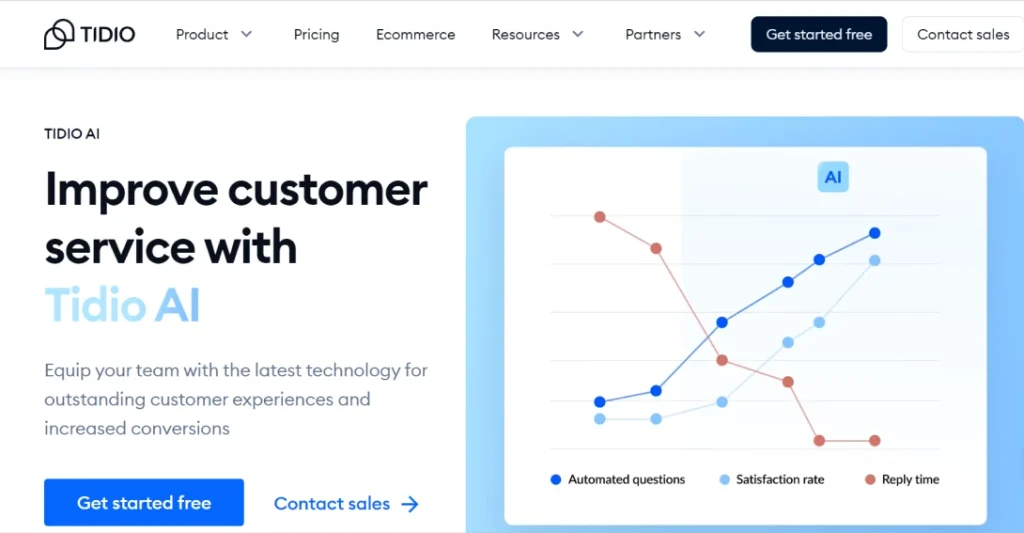
Tidio is a well-known AI tool for customer support teams. It helps businesses wanting to improve their customer communications through interactions.
Features
Live Chat: Enables real-time chat conversations with website customers and visitors.
AI Chatbot ( Lyro): Automates basic customer questions and qualifies to lead with pre-programmed answers.
Ticketing System: Manages customer support requirements from various modes in one centralized location.
Customer Satisfaction Surveys: Collect feedback from customers and better communication services.
Team Collaborations: Enables multiple agents to manage support requests and customer chats.
Pros
Improved Customer Support
Increased Lead Capture
Team Efficiency
Reduced Support Costs
Cons
Limited Productivity Focus
Limited free Plan Functionality
Security Concerns in Free Plan
Pricing
Free: Limited features, 1 agent, 100 chats/month
Starter: $29/month - 3 agents, 300 chats/month, chat history, basic ticketing
Communicator: $25/month/agent - Unlimited chats, advanced ticketing, integrations.
Tidio+ (Enterprise): Custom Pricing - Advanced security, priority support, custom features.
Best Use Case
Customer Support
Lead Generation
Small Business Communication
13. QuillBot
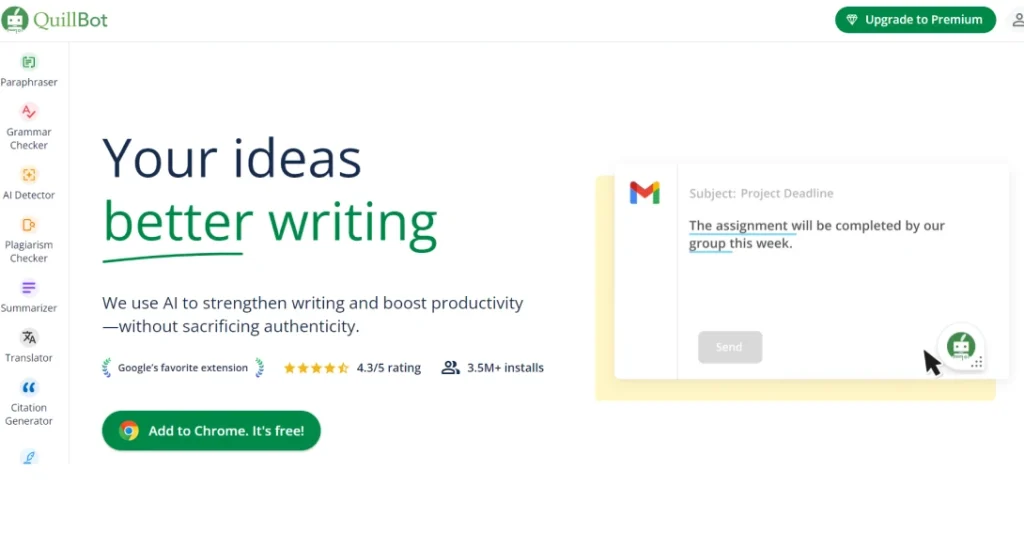
QuillBot is a strong contender as an AI productivity tools for writers. It helps with paraphrasing, summarizing, and improving readability. Students, professionals, and content creators widely use it to improve the clarity and quality of their writing.
Features
Paraphrasing Tool: QuillBot’s core function is to offer various models, such as creative, formal, fluency, standard, etc., to rewrite sentences with various goals.
Grammar Checker: Easily identifies and corrects grammatical errors.
Summarizer: Condenses lengthy text while retaining key points.
Plagiarism Checker: Checks for copied content; it is limited to the free version.
Citation Creator: Generates citations in various styles.
Pros
Versatile
User-Friendly
Multiple Paraphrasing Modes
Multilingual Support
Cons
Limited Free Version
Accuracy Issues
Limited Plagiarism Checking
Pricing
Free Plan: Limited features with 100 paraphrases per month.
Premium Plans: Starts at $4.17/month and offer unlimited features.
Best Use Case
Improving Readability
Overcoming Writer’s Block
Summarizing Text
Learning New Languages
14. Paperspace
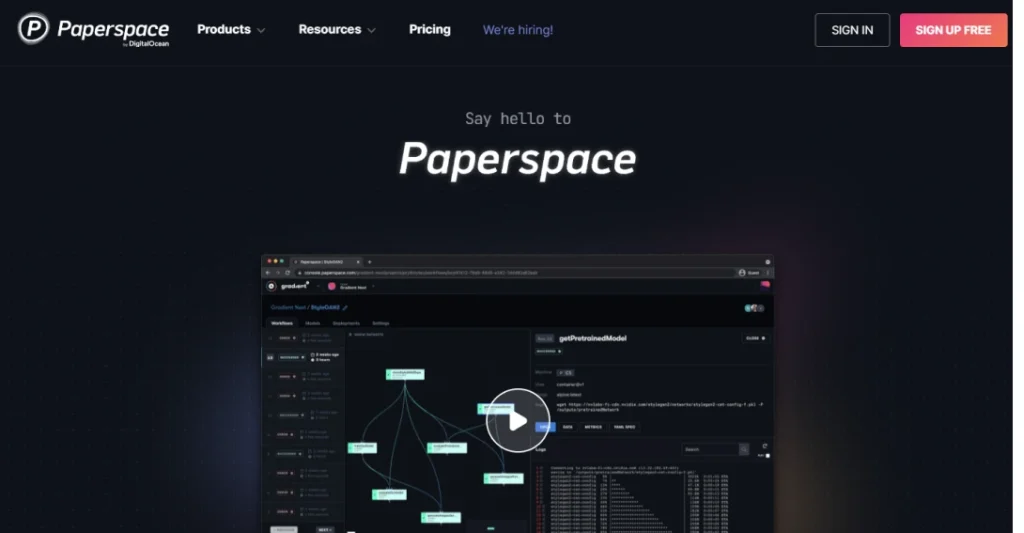
Paperspace is a versatile cloud computing platform that provides virtual desktops, high-performance computing, and machine learning infrastructure.
Features
Machine Learning Workstations: Pre-configured virtual machines with powerful CPUs and GPUs or running computations and AI models.
Remote Collaboration: Share projects and workspaces with teammates for collaborative AI development.
Version Control: Track changes and manage different iterations of users’ AI projects.
Pre-built Templates: Launch pre-configured environments for common AI tasks, saving set-up time.
Scalability: Easily scale computing resources up or down based on project needs.
Pros
Powerful Computing Resources
Streamlined Workflows
Collaboration Features
Cons
Steeper Learning Curve
Pricing can be high
Not a direct writing tool
Pricing
Paid Plan: Starts at around $0.07 per hour for basic configurations
Best Use Case
Training AI Models
Collaborative AI Development
Running Large-Scale Simulations
15. Runway
The runway is one of the most powerful and best AI productivity tools for creative professionals. It uses AI to better the workflow, not just as an assistant, but significantly helps with creative tasks like making visuals and editing.
Features
Generative AI Tools: Runway offers a vast library of pre-trained AI models for different tasks.
Text to Video Generation: Build video from scratch with detailed text descriptions.
Image to Image Manipulation: Edit and enhance the images with features like color correction, object removal, etc.
AI-powered Video Editing: Apply special effects, transitions, and green screen effects with minimum technical expertise.
OpenSource & Community Driven: Access and contribute to a large library of user-created AI models.
Pros
User-Friendly Interface
Versatility
Cutting-edge AI features
Active Community
Cons
High Cost
Resource Intensive
Output Quality Varies
Pricing
Free Plan: With limited credits for AI features and projects.
Standard Plan: $15/user/month offers more credits and allows 4k exports.
Pro Plan: Customized Plans with higher limits and features cater to professional needs.
Best Use Case
Concept Art & Design Exploration
Video Editing with a Twist
Social Media Content Creation
Prototyping New Creative Ideas
16. Fireflies
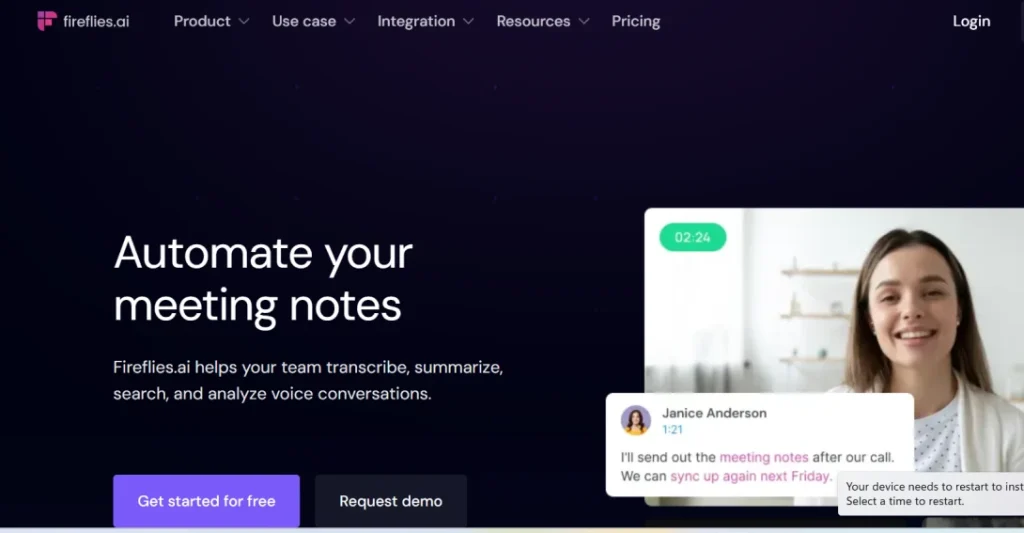
Fireflies is a strong contender for the title of well appreciated AI tool, especially for those who attain frequent meetings. It is an AI-powered meeting assistant which automates the process of transcribing, recording, and organizing meetings.
Features
Automated Recording & Transcription: Records meetings across various platforms like Zoom, Google Meet, etc, and transcribes audio to text.
AI-powered Summarization: Generates summaries that highlight key actions and points items.
Search & Action Item Management: Easily search transcripts and assign action items with the platform.
Sentiment Analysis: Identifies all sentiments, such as positive, negative, and natural, throughout meetings.
Speaker Identifications: Differentiates speakers within the transcript.
Pros
Boosts Meeting Efficiency
Improved Collaboration
Actionable Insights
Accessibility
Cons
Accuracy Limitations
Free Plan Limitations
Privacy concerns
Pricing
Free Version: 20 minutes of monthly transcription credit.
Pro Plan: For $10/user/month, you get unlimited recording and transcription, basic integration, and 60 minutes of credit.
Business Plan: $19/user. Per month adds advanced integration and features like sentiment analysis.
Enterprise Plan: Custom pricing caters to large organizations.
Best Use Case
Remote Teams
Frequent Meetings
Actionable Follow Ups
Meeting Analysis
17. Sembly
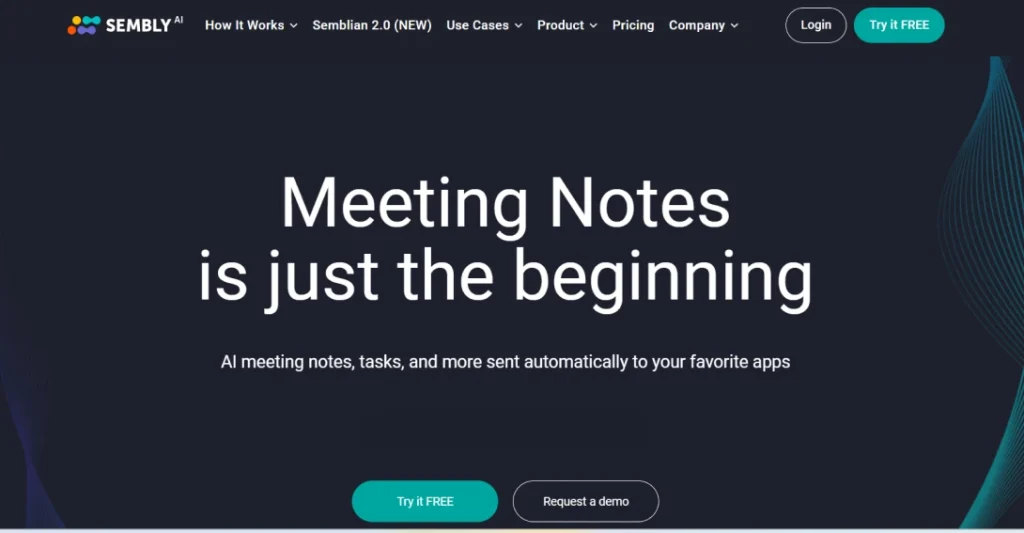
Sembly is a powerful AI productivity tool for managing meetings and ensuring that important information is accessible and captured. It integrates capabilities with advanced transcription and summarization features, making it a helpful tool for professionals.
Features
Automated Recording & Transcription: Records the whole meeting from various platforms and transcribes audio to text.
Meeting Summarization: Generates summaries and highlights key decisions and points.
Action Item Detection: Automatically identifies potential action items from conversation.
Searchable Transcript: Easily search through past meeting transcripts to find proper information.
Integrations: Connects with other popular calendar tools and project management platforms.
Pros
Improved Recall
Actionable Outcomes
Team Collaboration
Meeting Optimization
Cons
High Cost
Privacy Concerns
Pricing
Free Plan: With 30 minutes of monthly transcription credit
Professional Plan: $10/month offers unlimited recording and transcription with basic integrations and better summarization.
Team Plan: $15/user/month, add advanced integration and features like task management.
Team Plus Plan: $18/user/month includes priority support and additional features.
Enterprise Plan: Custom pricing catering to large organizations.
Best Use Case
Remote Team Meeting
Project Management
Meeting Optimization
Meeting for Heavy Workflow Information
Insightful Reading: 11 Best AI Tools For Students – Making Education Future-Ready
How to Choose the Best AI Productivity Tool for Yourself
Choosing the suitable AI productivity tools depends on your workflow. If you write a lot, consider AI writing assistants like Quillbot. For meetings and heavy schedules, opt for AI assistants like Sembly or Fireflies to record, transcribe, and highlight the key points.
If you are in an enterprise working with complex AI models, Paperspace provides cloud computing power. For creative tasks like image and video editing and designing, Midjourney, Runway, etc, offers AI-powered assistants to generate and manipulate visuals. Consider your needs, try out free trials, and pick the tool that best boosts your productivity.
Final Words on AI Productivity Tools to Supercharge Your Workflow
The digital age demands constant innovation, efficiency, and an understanding of the pressure to achieve more in less time with the correct AI tools. These intelligent assistants streamline workflows, automate repetitive tasks, and empower to focus on what truly matters for work.
At Openxcell, we help you navigate the exciting landscape and identify the AI tools to unlock your full potential. If you are looking to integrate a custom AI solution, hire our AI engineers to assist you with the best AI productivity tools.