Claude Code vs Cursor: A Deep Dive into Features & Use Cases
 Last updated:February 16, 2026
 9 Min Read
- Overview: Understanding the Tools Behind the Comparison
- Claude Code
- Cursor
- Feature & UI Face-Off: Claude Code and Cursor Compared
- Detailed Breakdown by Feature
- Code Quality & Real-World Performance Benchmarks
- Ideal Use-Cases: Claude Code vs Cursor
- Pricing Breakdown
- Integrations & Developer Ecosystem Support
- Performance & Reliability Insights
- Final Thoughts: Choosing the Right AI Coding Assistant


According to current surveys, over 60% of developers now use AI coding tools for their daily workflow, yet many of them struggle to find the one that fits their needs, such as coding style and team setup. With the AI development landscape changing fast, the battle between powerful assistants is not just about the features but about their integration into real-world development. Imagine coding faster, debugging smarter, and reducing manual overhead with the right AI by your side.
Enter Claude Code and Cursor, the two most talked-about tools in the AI coding ecosystem. One gives the terminal its first automation backed by Anthropics Claude models, while the other reinvents the IDE experience with an AI-powered interface built on VS Code.
In this blog, we will unpack the key differences in the Cluade Code vs Cursor debate, exploring use cases, performance, pricing, and more so you can choose the right AI services for your development needs.
Overview: Understanding the Tools Behind the Comparison
Before understanding benchmarks, pricing, and more, it is important to understand what makes Claude Code and Cursor unique. Both tools aim to accelerate coding workflows with AI, but the tools do it in fundamental ways. As the AI coding ecosystem expands, developers often evaluate alternatives through comparisons like windsurf vs cursor to understand how different AI editors support productivity, collaboration, and automation.
One leans toward command-line automation, while the other enhances the traditional IDE experiences. In the Ongoing Claude code vs Cursor conversation, knowing how each works can help to make a smarter choice for development style.
Claude Code
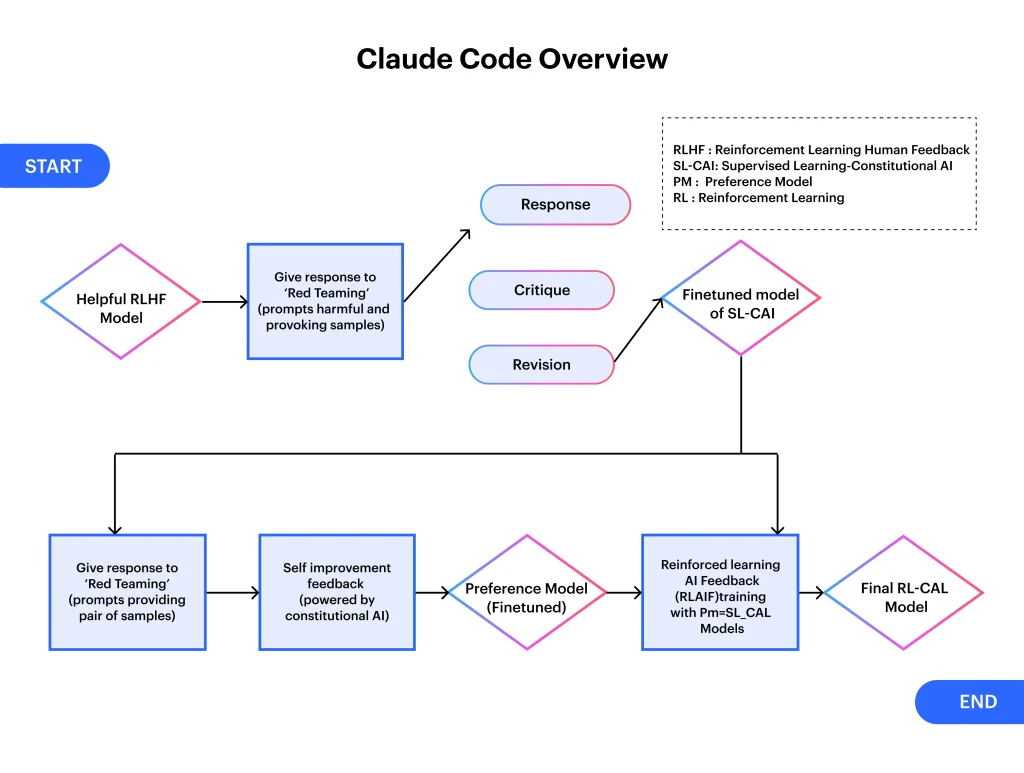
Claude Code is a command-line-based AI coding assistant built by Anthropic and powered by the Claude 3 model family. It works by using natural language prompts from your terminal and returning detailed, context-aware code suggestions or modifications. To use it, simply install via NPM and interact with commands like claude—p: Write a test for this function. “
Key Features:
- CLI is the first interface for easy terminal integration.
- Supports up to 200K tokens for big codebases
- Multi-turn conversations and context memory
- Integrated with CI/CD tools and scripts
- Use Claude 3’s Opus and Sonnet models
Pros:
- Highly accurate and have great code quality
- Easy to automate across projects
- Works excellently with long context and large files
- Lightweight and fast for scripting tasks
Cons:
- No graphical interface, CLI-only
- Demands technical setup and terminal knowledge
- Less intuitive for beginners
Cursor
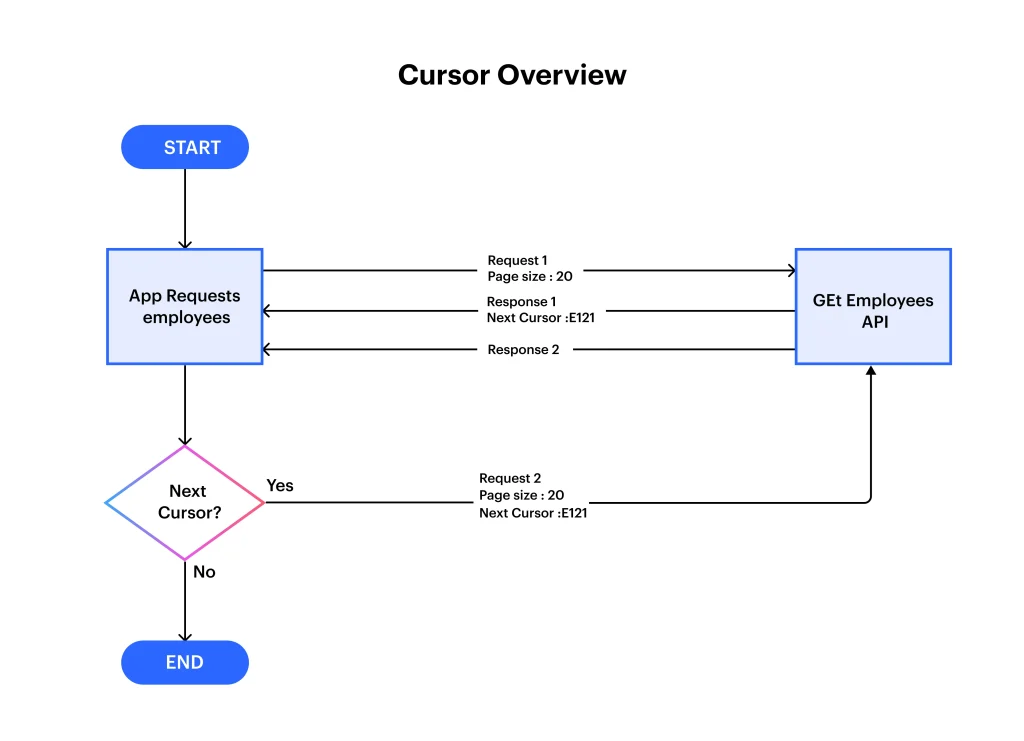
Cursor is an AI-enhanced code editor built on Visual Studio Code. It adds the power of AI directly into your IDE, offering inline code suggestions, file-level rewrites, and agent-like functionality. Developers can easily chat with agents, refactor code, or debug, all within the familiar editor UI.
Key Features:
- Built-in chat agent and inline code suggestions
- Supports extensions and VS Code themes
- Bugbot integration for finding logic issues
- Live previews and project-wide refactoring
- Compatible with Git and file history
Pros:
- User-friendly and visual
- Easy onboarding for VS Code users
- Ideal for rapid prototyping and debugging
- Great for pair-programming scenarios
Cons:
- Limited control in some advanced tasks
- Occasional bugs or UI clutter
- More resource-intensive than CLI tools
The Cursor vs Claude code breakdown sets the foundation for a deeper comparison. Whether you prioritize automation or visual workflows, each tool brings something powerful to the table.
Feature & UI Face-Off: Claude Code and Cursor Compared
Choosing the right coding AI assistant is not only about performance, but it is also about how it fits into your daily workflows. From interfaces to language understanding, let’s explore how Claude code and Cursor stack up in terms of intelligence and usability.
| Feature | Claude Code | Cursor |
| Interface | CLI-based, fast, and minimal | GUI-based (VS Code), visual, beginner-friendly |
| Agent/Workflow | Terminal agent with multi-step prompts | Built-in chat agent with visual diffs and rewrites |
| Context Window | Supports up to 200K tokens reliably | High token context in theory, but often limited in use |
| Prompting/NLU | Deep reasoning, strong multi-turn memory | Great for quick queries, inline explanations |
Detailed Breakdown by Feature
- Interface: Claude’s code gives a minimalist terminal first setup, which is ideal for command line lovers and automation workflows. In contrast, Cursor provides a rich visual editor experience built on VS Code, which is perfect for GUI-oriented developers.
- Agent/Workflow: Claude’s CLI agent enables structured, multi-step prompts with simple terminal confirmations, which is excellent for pipeline automation. Cursor uses an embedded agent with visual diffs and context-aware edits, which can be more interactive but sometimes cluttered.
- Context Window: Claude reliably handles big context sizes, like up to 200K tokens, adding smoother reasoning across files. Cursor supports long contexts theoretically, but might face truncation in large projects.
- Prompting/NLU: Claude excels at deep reasoning and multi-turn conversations. Where the Cursor, on the other hand, is great for quick queries and immediate inline fixes.
When weighing Cursor code vs Cursor, your ideal choice will surely depend on whether you value terminal precision or hands-on visual workflow.
Code Quality & Real-World Performance Benchmarks
After all these, we know what you want to know: how these code tools are good for real-world systems and how they will improve code quality. AI coding tools are not about just features; it’s about how well the tool performs in real-world development scenarios. Code quality, stability, and how efficiently a tool handles large files or multistep tasks can make a big difference.
Here’s how Claude Code and Cursor perform in practical benchmarks and coding quality tests:
Claude Code
- Produces more accurate, clean, and readable code with fewer rewrites required.
- Performs exceptionally well in multi-file projects, especially in large codebases.
- Backed by Anthropic’s Claude 3.5 Sonnet or Claude 3 Opus models for deep reasoning.
- Ideal for long-form tasks like writing integration tests or refactoring across modules.
- Shows fewer hallucinations and context loss compared to many UI-based tools.
Cursor
- Generates quick code suggestions that are good for prototypes and smaller tasks.
- Built for speed and developer interaction within the VS Code interface.
- Works well for one-off debugging, syntax fixes, and short method generation.
- Some users report minor issues in consistency or code breaking in larger repositories.
- It often uses OpenAI or Claude APIs, depending on the user’s setup.
In the Cursor vs Claude code debate, Claude is preferred for depth and reliability, while Cursor shines in speed and usability for short, focused tasks.
Ideal Use-Cases: Claude Code vs Cursor
Both the coding tools fit different development needs, depending on team collaboration, workflow, and complexity of tasks, where one tool might be more helpful than other.
When to Use Claude Code
- Complex Projects: Best for large-scale applications requiring multi-file reasoning and deep contextual understanding.
- Code Reviews & Refactoring: Ideal for cleaning, rewriting, and optimizing existing code.
- Long-form Test Writing: Performs well in writing full integration tests and setup scripts.
When to Use Cursor
- Daily Development Tasks: Great for generating quick code snippets or resolving simple bugs in real time.
- IDE-Based Assistance: Perfect for VS Code users who want inline AI support while coding.
- Solo Projects or MVPs: Best suited for fast prototyping, testing, or solo developer workflows.
Also Read on: Cursor vs Copilot: A Complete Breakdown of AI Coding Tools
Pricing Breakdown
While evaluating Claude code vs Cursor, learning about their pricing helps you choose what fits your budget and use cases. While both tools offer free trials, advanced capabilities come with subscription costs or usage-based pricing.
| Plan Type | Claude Code | Cursor |
| Free Tier | Available via Claude.ai (limited) | Available with basic features |
| Pro Version | Claude Pro – $20/month | $20/month per seat (Team plan) |
| API Access | Paid via Anthropic API (usage-based) | Not available |
| IDE Integration | Not directly available | Full integration with VS Code |
Breakdown of Pricing Differences
- Claude Code has a free version for basic access, and Pro plans give faster responses and higher context limits.
- Cursor also has a free start, but its complete potential, with features like collaboration, team support, and more, comes with a $20/month fee.
- Claude offers API based usage pricing for developers who need backend AI access.
- Cursor shines for developers using VS Code, with easy editor integration.
Integrations & Developer Ecosystem Support
The power of coding assistants is mostly amplified by their ecosystem and how they fit into it. From code editors to APIs, a tool’s flexibility and integration capabilities define how smoothly it fits into existing workflows. Both tools give valuable options for developers working with various tech stacks and AI models.
Claude Code:
- Easily integrates with Anthropic’s Claude AI platform for natural code assistance.
- Works via web-based interfaces; extensions for select IDEs are still evolving.
- Easily interacts with REST APIs and developer tools through prompting.
- Ideal for teams already using Anthropic’s AI services and tools.
Cursor:
- Built directly into Visual Studio Code, enhancing real-time coding support.
- Offers GitHub Copilot-style suggestions backed by OpenAI and other LLMs.
- Supports custom workflows, plugin installations, and real-time terminal use.
- Strong compatibility with developer toolchains and environments like Docker and Node.js.
- Since Cursor supports multiple AI models, developers often evaluate performance differences through comparisons like chatgpt vs gemini vs claude to determine which model delivers the best coding accuracy, reasoning, and productivity.
Both tools offer expanding ecosystems, but Cursor currently leads in deep editor-level integration.
Performance & Reliability Insights
While choosing an AI assistant, consistent performance and reliable outputs are key. Here’s how Cursor and Claude Code compare on those fronts.
Claude Code:
- Delivers accurate code generation for complex tasks using Anthropic’s Claude 3 models.
- Performs well in large-context understanding, making it ideal for reviewing entire files or repositories.
- Occasionally slower in interactive workflows due to its chat-based nature.
Cursor:
- Offers fast, in-line suggestions within VS Code, optimized for developer speed.
- Excels at code refactoring, debugging, and real-time edits.
- Stable and responsive, especially in long coding sessions.
In the Cursor vs Claude Code comparison, Cursor wins in responsiveness, while Claude excels in context depth.
Final Thoughts: Choosing the Right AI Coding Assistant
The comparison of Claude Code vs Cursor shows how both tools bring their unique strengths to the table, from rich context handling to easy editor integration. Understanding the differences in features, performance, use cases, and pricing helps developers choose the right solution for their specific coding needs and workflows.
At Openxcell, we help businesses integrate the best AI development tools and build scalable solutions using Gen AI services, custom models, LLMs, and more. Let us guide you for the next AI transformation.


Manushi, a former literature student, now crafts content as a writer. Her style merges simple yet profound ideas. Intrigued by literature and technology, she strives to produce content that captivates and stimulates.